




Easy permission management for SharePoint libraries
Assigning permissions on libraries in SharePoint is still very cumbersome. Our little helper now makes assigning permissions on libraries very simple and intuitive. The solution offers an easy way to adjust library permissions. A new button on every document library opens a dialog in which the permissions can be adjusted.
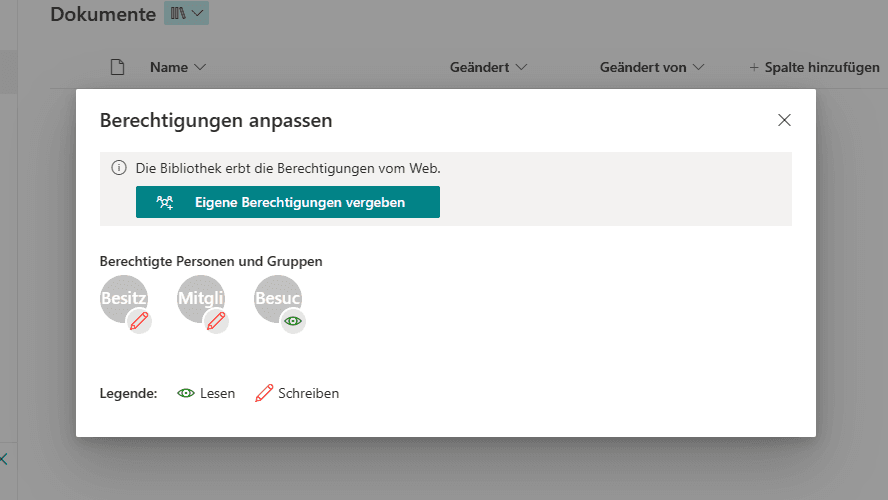
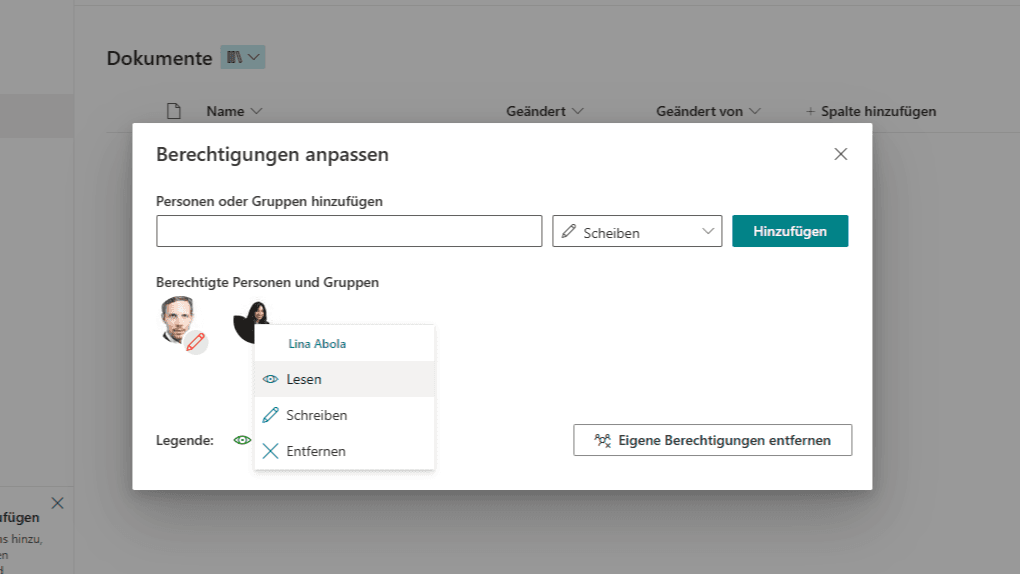
We deliberately focused on reducing complexity. The library’s permission inheritance can first be broken so that no permissions are inherited any more. People, SharePoint groups and AD groups can then be selected and given read or write access. Once permissions have been added, they can easily be changed or removed by simply clicking on the person concerned.
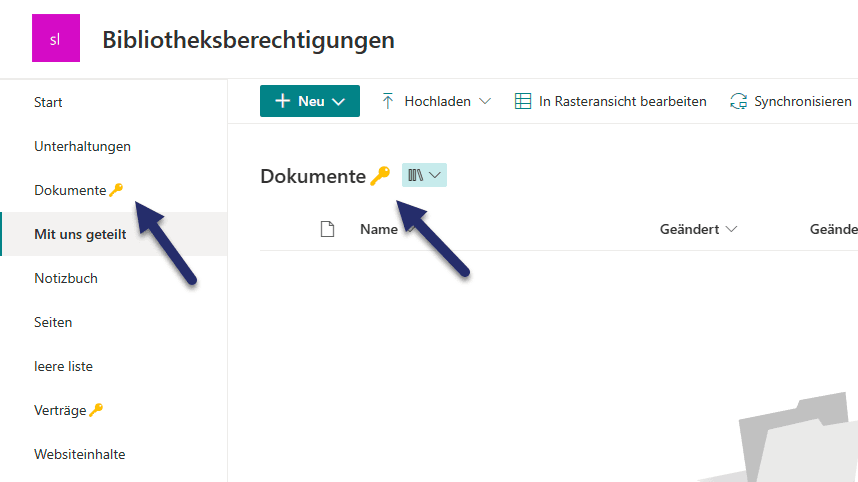
As soon as unique permissions are assigned to a library, a 🔑 is added to the library’s name. It also appears in the left-hand navigation, so you can already see when opening the site which libraries have special permissions.
On our product page you will also find a video that explains the feature in detail.